 Chattoro Sweep
v2.0.2 · Windows & Mac
Chattoro Sweep
v2.0.2 · Windows & Mac
Clean up your Discord history
Delete your old messages from servers and DMs in bulk, keep a copy of anything worth saving, and put cleanups on a schedule. It all runs on your own computer.
Chattoro Sweep is for Windows and Mac. Open this page on your computer to download it.
- Only your own messages
- Your sign-in stays on your computer
- Updates itself
Pick your computer
Version 2.0.2. You only download it once: after that it keeps itself up to date.
Mac with Apple silicon
M1 or newer- File
- Disk image (.dmg), 111 MB
- Needs
- macOS 12 Monterey or later
Mac with Intel
Intel processor- File
- Disk image (.dmg), 118 MB
- Needs
- macOS 12 Monterey or later
Which Mac do I have? Open the Apple menu and choose About This Mac. “Chip: Apple M1” (or any M chip) means Apple silicon; “Processor” with Intel in it means Intel.
Years of messages, gone without clicking each one
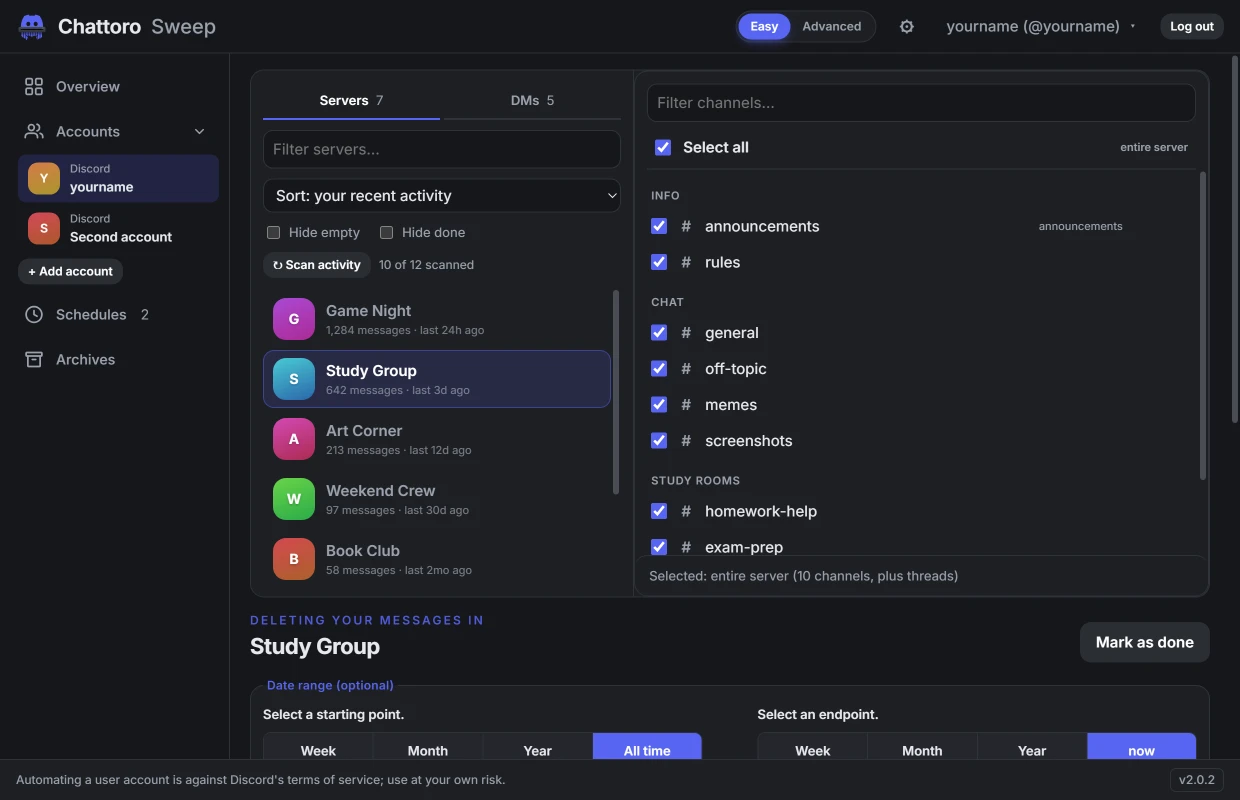
The pictures are the app itself in its Modern look. It starts in Classic; switch under Appearance in its gear menu.
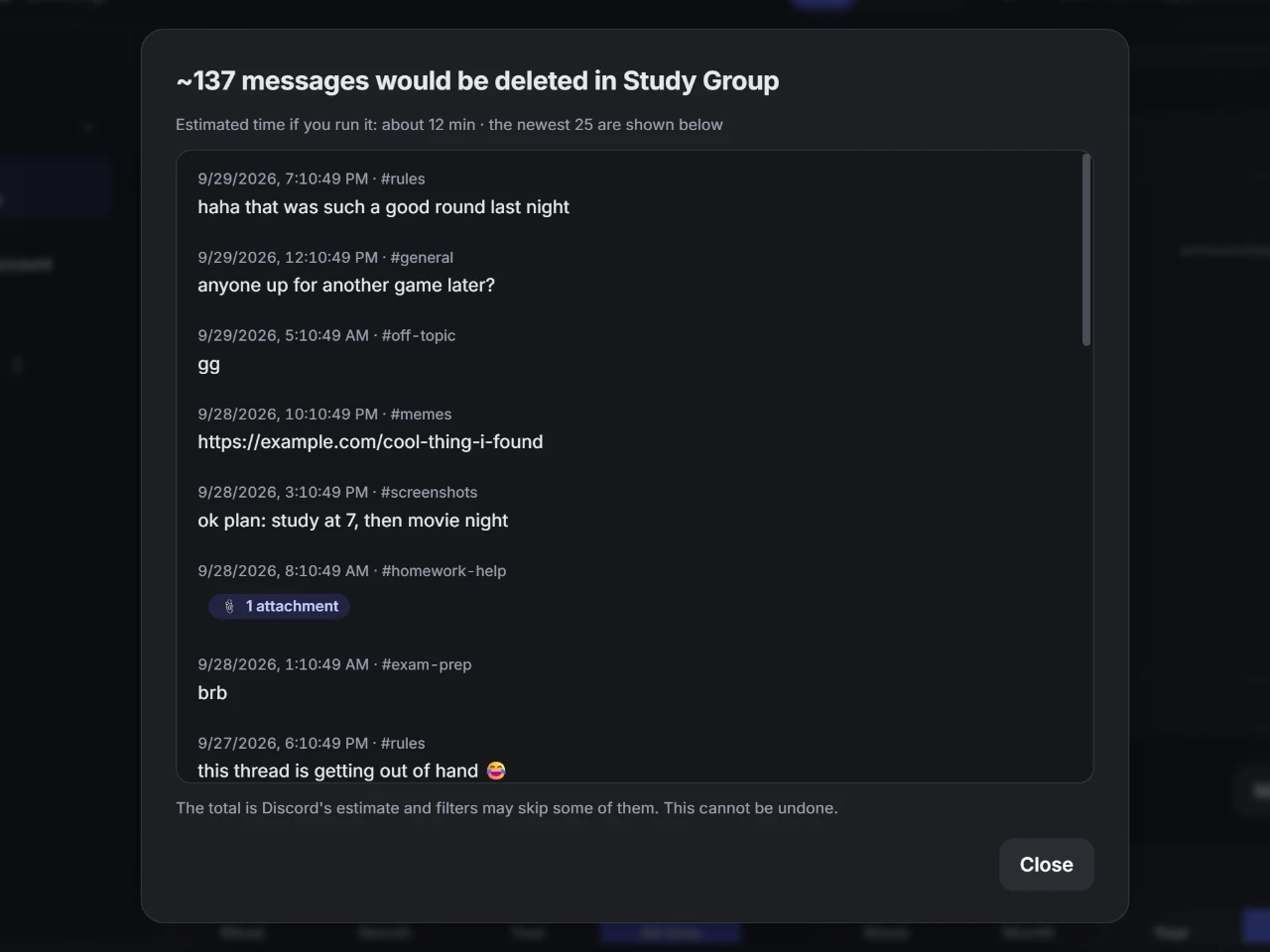
Bulk delete, with a preview
Tick servers and DMs, look over the newest matches, then let the queue run. It only touches messages your account sent.
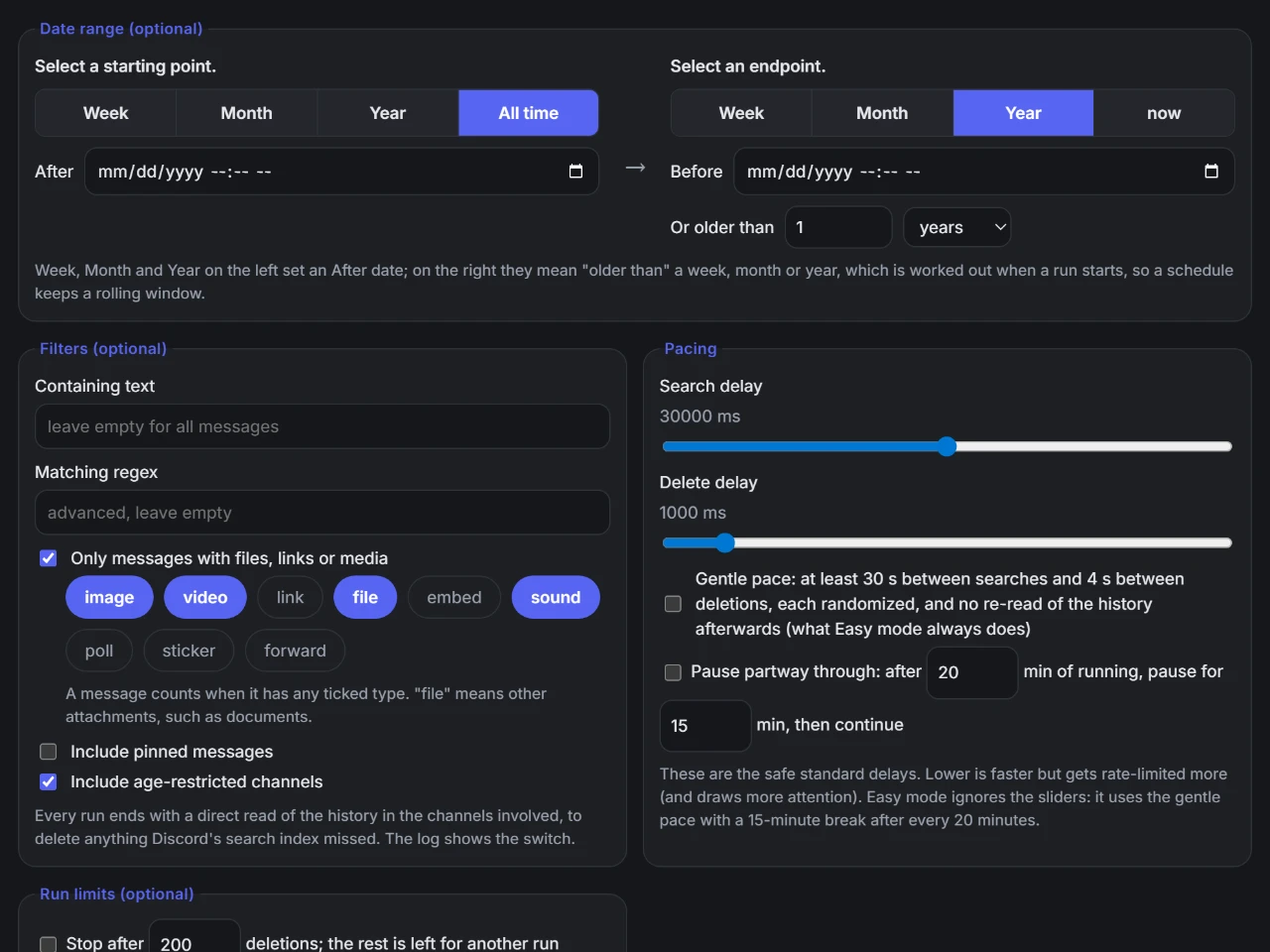
Filters that fit
Narrow it down by date, by words in the message, or by what’s attached: images, videos, links, files, polls, stickers and more.
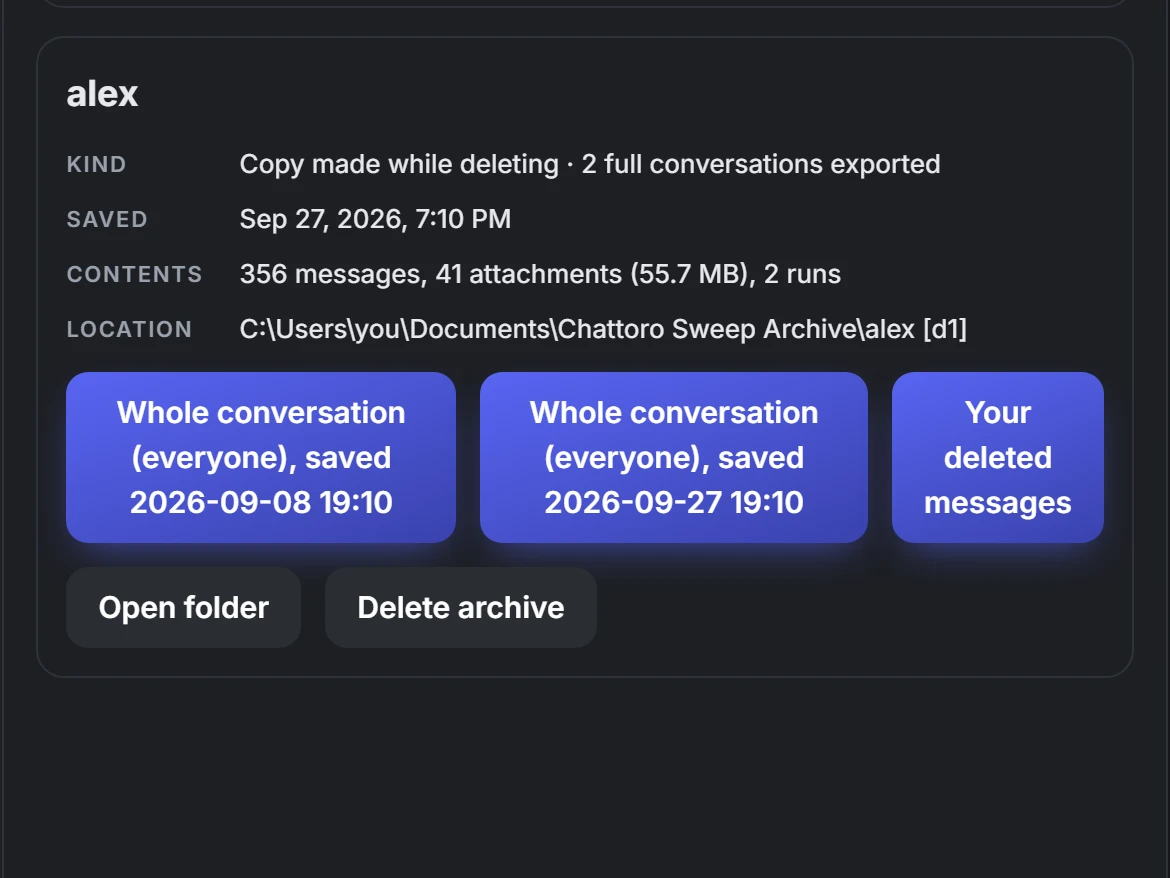
Keep a copy first
Export whole conversations, photos and files included, before anything goes. Run it again later and it only adds what’s new.
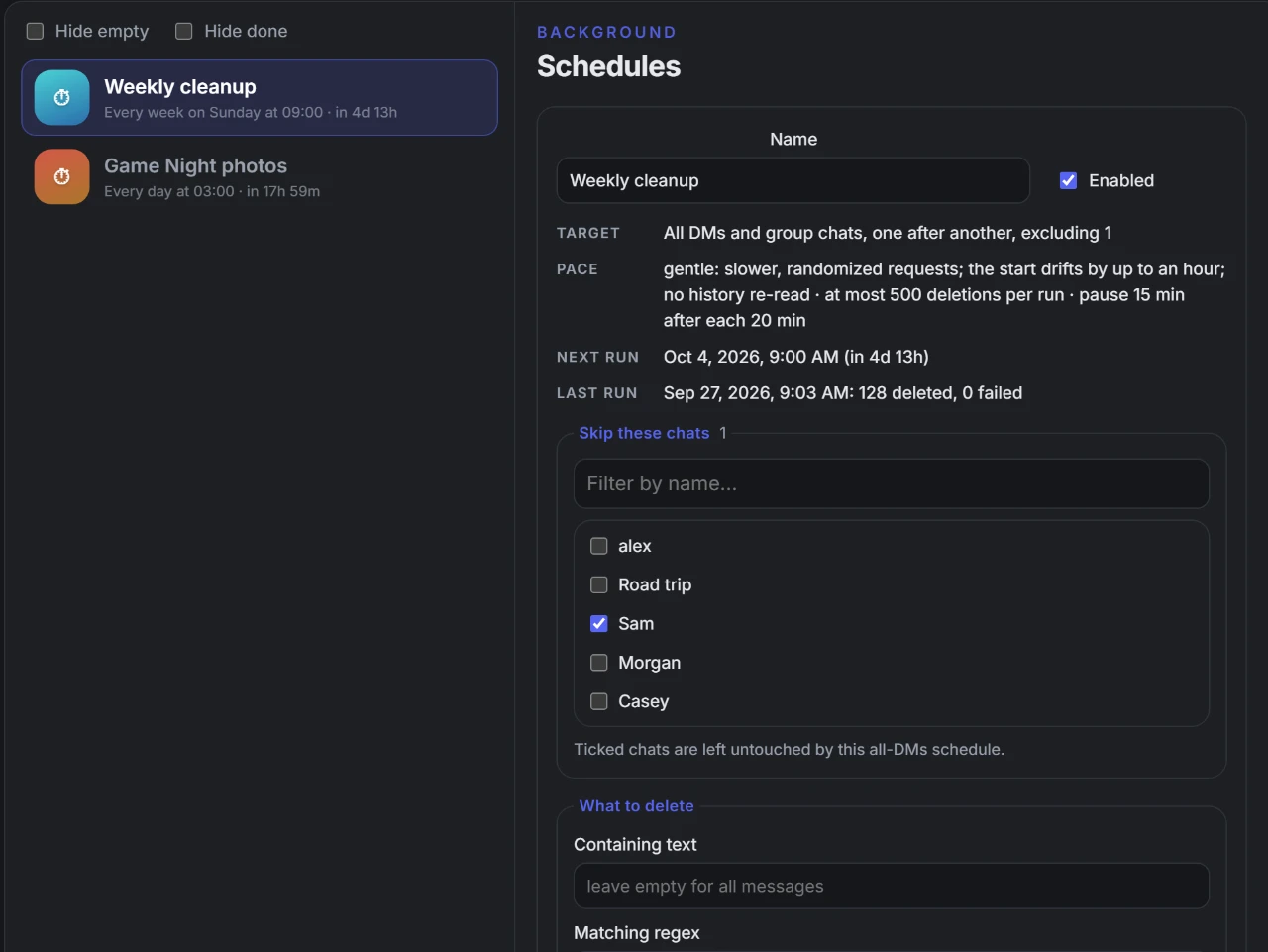
Cleanups on a schedule
Keep a rolling window, like “every week, delete anything older than a month”. Schedules run while the app is open or in the tray, and a run missed while your computer was off happens at the next start.
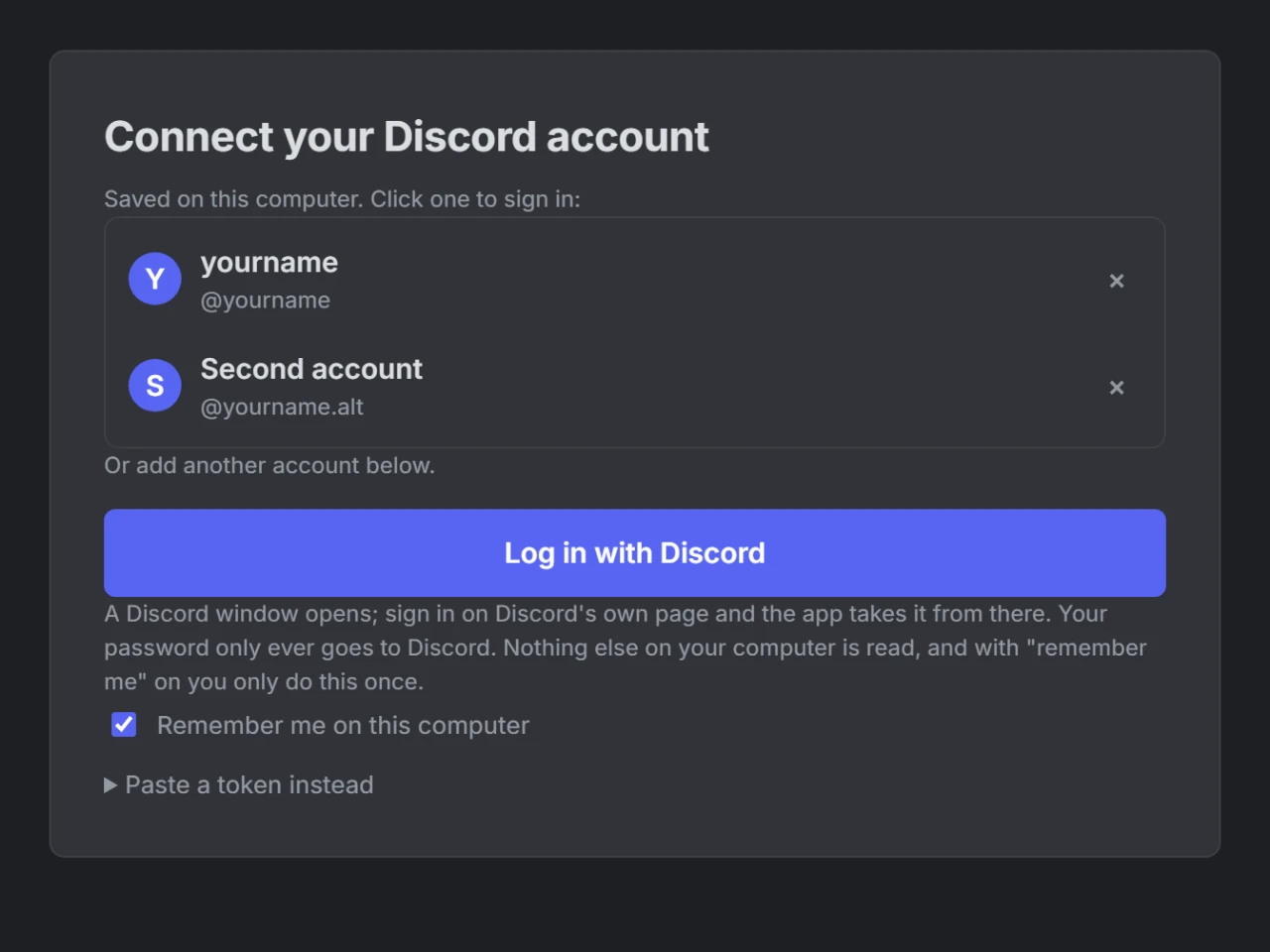
Your sign-in stays with you
Sign in on Discord’s own page inside the app. Your password only goes to Discord, and the saved sign-in is encrypted by Windows or macOS on your computer.
Up and running in a minute
On a Mac
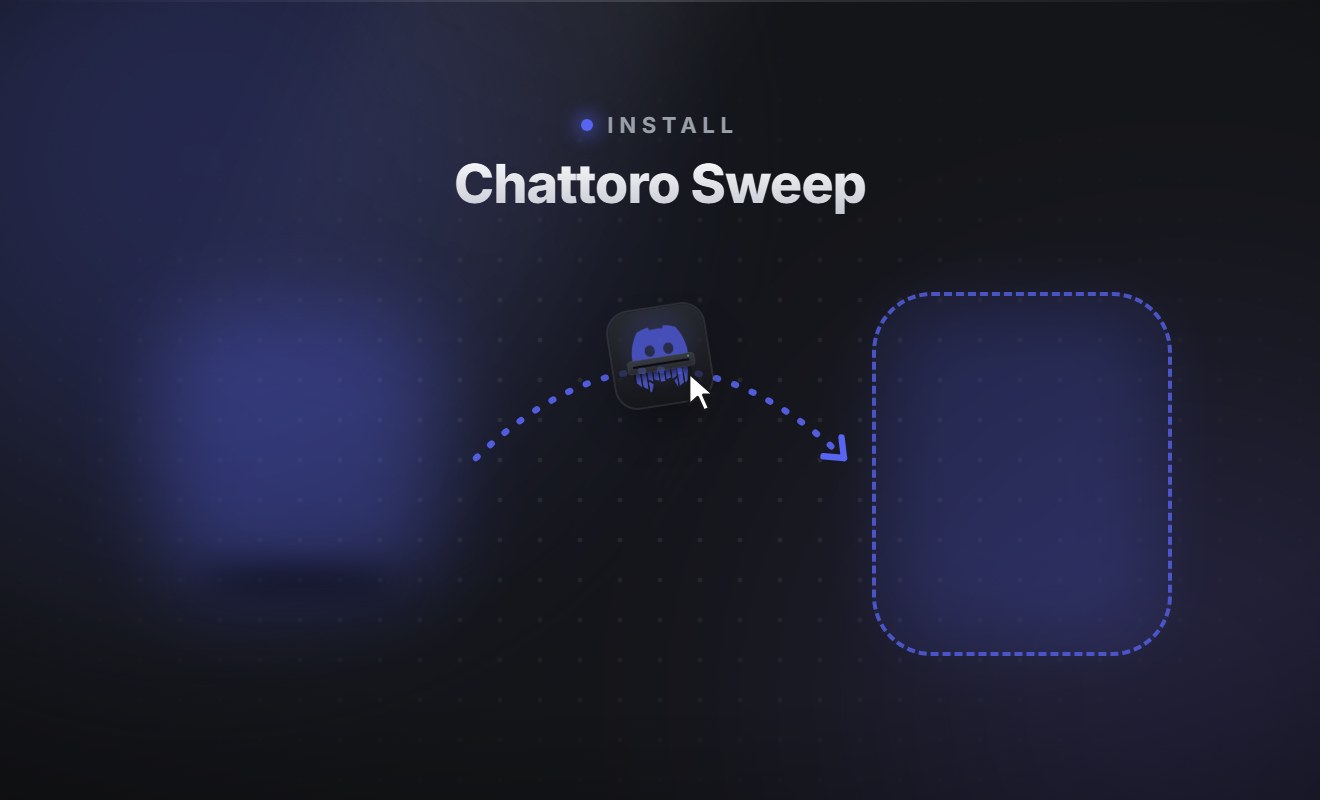
- 1Open the .dmg you downloaded.
- 2Drag Chattoro Sweep onto Applications.
- 3Open it from Applications. The first time, macOS says Apple has checked it and asks you to confirm: choose Open.
On Windows
- 1Run the installer you downloaded.
- 2If Windows shows “Windows protected your PC”, choose More info, then Run anyway. The installer isn’t code-signed yet.
- 3Pick where to install. It opens when it’s done, with shortcuts on your desktop and in the Start menu.
Then choose Connect your Discord account and sign in on Discord’s own page.
Good to know
Can deleted messages be brought back?
No. Discord removes them for good. If you might want them later, turn on Keep a copy and the app exports the conversation before it deletes anything.
Will it delete other people’s messages?
No, only messages your own account sent. The one exception is Delete as a moderator, which you have to switch on and which needs the Manage Messages permission in that server.
Is it safe for my Discord account?
It works at a gentle default pace and slows down whenever Discord asks it to. Still, automating a personal account is against Discord’s Terms of Service, so using it always carries some risk to your account.
Where is my data kept?
On your computer: your saved sign-in (encrypted), settings, logs and archives. Your sign-in and messages only ever go to Discord. Archives can live on another drive or a NAS if you point them there.
Do I need to download new versions?
No. The app checks for new versions on its own and installs them, so this is the only time you download it.
How is it related to Undiscord?
It uses the open-source Undiscord deletion engine by victornpb (MIT licence), inside a desktop app with accounts, schedules, archives and more.
Chattoro Sweep is not made by or affiliated with Discord Inc.